When someone in Andheri wakes up with a stubborn rash, or a college student in Thane finally decides to deal with acne scars, what do they do first? They pick up their phone and search “skin doctor near me.” The clinics that show up on the map, with clear photos, honest reviews, and a tap-to-call button, get the appointment.
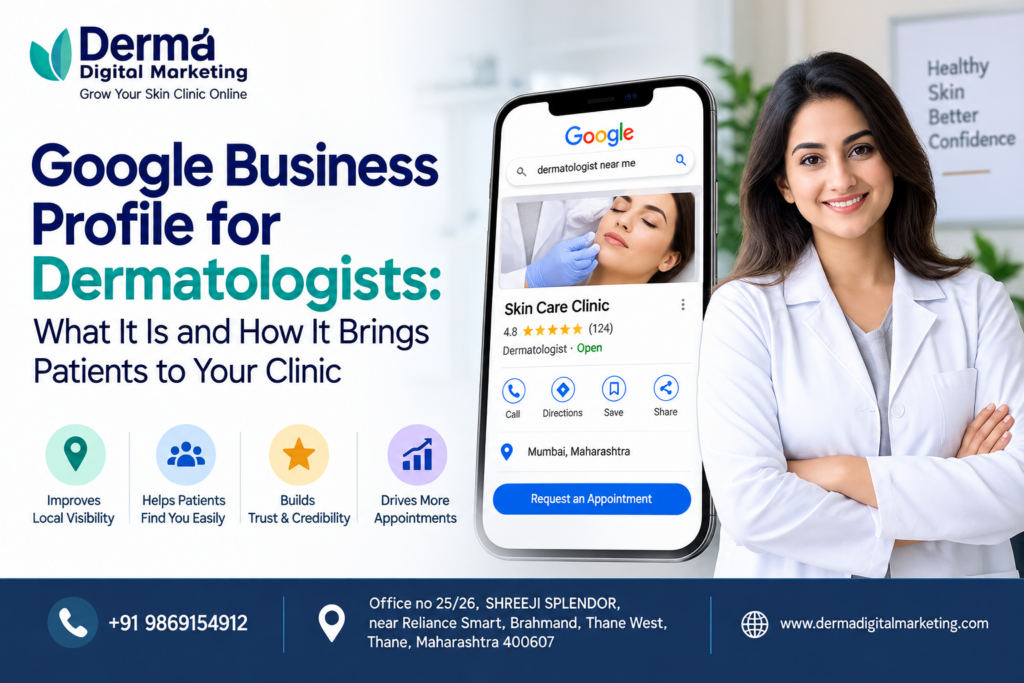
That is what Google Business Profile for dermatologists is really about. It is a free listing that controls how your practice appears on Google Search and Google Maps. For clinics in busy markets like Mumbai and Thane, where patients have dozens of options within a few kilometres, a well-managed profile is one of the most practical marketing assets you can have.
This guide explains what the profile is, how it helps, and how to set it up properly.
Google Business Profile is a free tool that lets you manage how your business appears across Google Search and Maps. It is the same thing many people still call “Google My Business.” Google renamed it in 2021, so if you hear Google My Business for dermatologists mentioned, it refers to the same tool. Today you manage it mostly through Google Search and Maps directly, or through the Business Profile Manager.
Your profile shows:
When someone searches for a dermatologist nearby, Google often shows a “local pack” of three listings with a map. Those results are pulled largely from Business Profiles.
Most people searching for a doctor online are not browsing casually. They have a concern and want a trustworthy answer quickly. Your profile is often the first thing they see, before your website.
Google Business Profile for dermatology clinics helps in a few concrete ways:
Dermatology has a particular advantage here. Skin concerns are visual and personal, and people want to feel confident before walking in. A profile with authentic photos and thoughtful reviews answers a lot of unspoken questions.
Google Business Profile for doctors follows the same general rules for all specialties, but dermatology clinics often offer both medical and cosmetic services. That affects how you set up your listing.
Choose your primary category carefully. “Dermatologist” is the obvious choice for most practices. If you run a cosmetic or laser-focused clinic, “Skin care clinic” may fit better as a secondary category. Your primary category has the biggest influence on which searches you appear for, so pick the one that reflects your main work.
A practical example: Dr. Mehta runs a clinic in Thane that handles acne, eczema, and pigmentation, plus laser hair reduction. Her primary category is “Dermatologist,” and she adds “Skin care clinic” and “Laser hair removal service” as secondary categories. Her profile now matches both medical and cosmetic searches without pretending to be something it isn’t.
If you don’t have a profile yet, or you’re unsure whether you’ve claimed it, here is the process.
A few setup rules that save headaches later:
Setting up the profile is step one. Google Business Profile optimization for dermatologists is about keeping it complete, accurate, and active. Here is what actually moves the needle.
You have up to 750 characters. Explain who you are, what you treat, and where you are located. Write it for a patient, not for a search engine. Mention key services like acne treatment, hair fall, pigmentation, or skin allergy care if you offer them, and keep the tone plain and welcoming.
Add each service with a short description. Only list what you genuinely provide. If you don’t do a procedure, leave it out, even if it’s popular.
Photos of your reception, consultation room, building entrance, and team help patients feel comfortable before they arrive. Avoid stock images. Skip patient before-and-after photos unless you have clear written consent and have confirmed your practice is comfortable with the regulatory side.
Update timings for festivals, monsoon closures, or doctor unavailability. Nothing frustrates a patient like arriving at a closed clinic that Google said was open.
If you have online booking or a WhatsApp booking page, add it to your profile. Reducing steps between “I found the clinic” and “I booked” makes a real difference.
Ads can bring in patients faster than SEO, but they need care. Healthcare ads on Google and Meta have policy restrictions, and poorly targeted campaigns burn budget quickly.
If you try paid ads:
For many clinics, ads work best as a supplement to local SEO, not a replacement.
Reviews are central to local SEO for dermatologists, and they also shape how patients judge you. A few habits worth building:
How would you respond to a review from a patient unhappy about waiting time? A brief apology and an invitation to reach out directly usually shows more maturity than a defensive explanation.
Your profile works best when it is part of a wider local strategy. Local SEO for skin clinics in a dense region like Mumbai and Thane comes down to relevance, distance, and prominence, the three factors Google says it considers for local results.
To strengthen this, make sure your website has a page for each major service and a contact page with your address and embedded map. Mention the neighbourhoods you serve naturally, such as Thane West, Powai, or Andheri. Also list your clinic on reputable healthcare directories with matching details.
Medical advertising in India is regulated. The National Medical Commission’s professional conduct rules and state medical council guidelines place limits on how doctors can promote themselves. Keep your profile factual: your qualifications, services, location, and timings. Avoid exaggerated claims, guaranteed results, or comparisons with other doctors. When in doubt, check current guidance from your medical council.
Your profile’s performance section shows how patients find and interact with you. Review it monthly. Look at how many calls, direction requests, and website clicks you get, and which search terms bring people in. If calls are high but bookings are low, the issue may be in your phone handling rather than your profile.
A Google Business Profile is not a set-and-forget listing. For dermatologists, it is often the first impression a patient gets. Claim it, complete it honestly, gather genuine reviews, and update it regularly. Do that consistently and you’ll be easier to find and easier to trust.
If you run a practice in Mumbai or Thane and haven’t reviewed your profile in a while, this week is a good time to check your categories, hours, and photos. Small fixes often make a noticeable difference.
Yes. Google renamed Google My Business to Google Business Profile in 2021. People searching for Google My Business for dermatologists or Google My Business for dermatology clinics are looking for the same free tool.
Yes. Creating and managing a profile costs nothing. You only pay if you choose to run separate Google Ads campaigns.
It varies. Some clinics verify within minutes through video or phone, while postcard verification can take several days. Follow the options Google shows in your account.
Be careful. You need explicit patient consent, and you should check your medical council’s advertising guidelines. Authentic photos of your clinic and team are a safer choice.
Review it at least once a month and update immediately when hours, services, or contact details change. Regular activity, such as new photos and review replies, keeps the profile fresh for patients.
We are a niche digital marketing agency helping dermatologists and skin clinics across Mumbai and Thane.